
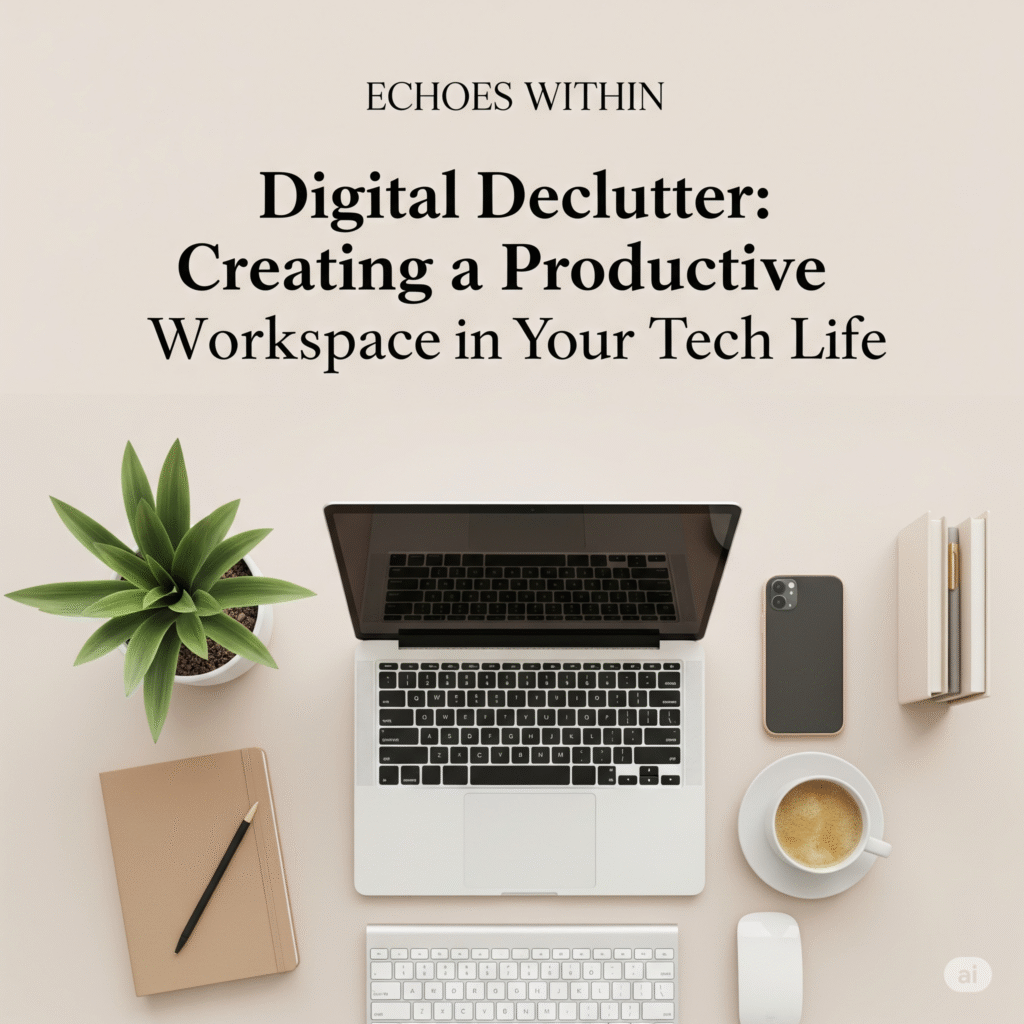
Digital Declutter Now: Transform Your Tech Life into a Productive Powerhouse
(Digital declutter for productivity)
In a world overflowing with notifications, open tabs, endless files, and digital distractions, it’s no surprise we feel constantly overwhelmed. But what if the path to better focus and efficiency isn’t adding more apps—but clearing digital clutter?
Just like a messy room affects your mood, a chaotic tech environment hampers your mental clarity and productivity. The good news? A digital declutter can bring powerful transformation—fast.
Let’s explore how to clean up your tech life and create a workspace that energises you instead of exhausting you.
Why Digital Clutter Drains You
Digital mess isn’t just inconvenient—it’s mentally taxing. Each lingering notification, forgotten file, or overloaded inbox steals a bit of your attention. Over time, this constant distraction leads to:
Mental fatigue and stress
Lost focus and time
Poor decision-making and procrastination
📌 Think of it this way: Every digital distraction is a leak in your productivity tank.
Step-by-Step: How to Digitally Declutter for Real Focus
Ready to reclaim control? Here’s a step-by-step game plan to reset your digital world and power up your productivity.
1. Clear Your Digital Desktop First
Start where you stare the most—your desktop.
Remove outdated shortcuts
Organise folders by category (e.g., Work, Personal, Projects)
Choose a clean wallpaper for visual calm
👉 Quick win: A clutter-free desktop sets the tone for focused work.
2. Clean Up Your Browser and Tabs
End the chaos of tab overload and extension clutter.
Use a tab manager (like OneTab or Workona)
Uninstall unused extensions
Set a focused homepage (try Notion or Momentum)
💡 Tip: Bookmark frequently visited sites and remove the rest.
3. Declutter Your Email Inbox
Inbox Zero might sound like a dream, but it’s doable.
Unsubscribe from newsletters you never read
Create folders and use filters (e.g., “Urgent,” “Later,” “Reference”)
Set a time-block to check email—don’t live in it
⏳ Emails should serve your schedule, not dominate it.
4. Organise Files and Cloud Storage
Messy folders drain time and create stress.
Archive or delete old documents
Rename files with clear labels
Use consistent folder structures across devices (e.g., Google Drive, OneDrive)
🎯 Goal: You should find any file in under 30 seconds.
5. Audit Your Apps and Devices
Unused apps consume space—and attention.
Delete apps you haven’t used in 30 days
Organise mobile apps into folders by use (Work, Social, Tools)
Turn off unnecessary notifications
🔕 Result: Fewer pings = deeper focus.
Bonus Tips to Stay Digitally Clean
Set a monthly declutter reminder
Use digital wellness tools like Screen Time or Digital Wellbeing
Disable auto-sync for files or apps you don’t need
🔄 Decluttering isn’t a one-time fix—it’s a habit of clarity.
Final Thoughts: Make Room for What Matters
A cluttered digital life mirrors a cluttered mind. By choosing to declutter your tech space, you’re also choosing clarity, focus, and freedom. Every cleared inbox, every deleted app, and every organised file brings you one step closer to a productive, balanced life.
So don’t wait for the overwhelm to get worse. Take back control—one digital drawer at a time.
Link (for further Reading ):
🔗Master the Pomodoro Technique: Boost Focus and Productivity in 25-Minute Bursts
🔗Mobile Radiation: Practical and Effective Ways To Protect Ourselves From Everyday Radiation.
🔗5 Ways to Hide Your IP Address and Protect Your Privacy
🔗🕒 Time Blocking and Scheduling Techniques: Smart Strategies to Plan Your Day Effectively
🔗 Digital Declutter: Cal Newport’s Tips for Reclaiming Focus – The New York Times
Pingback: The 80/20 Rule in Action: Maximizing Results with Minimal Effort
Thank you for your sharing. I am worried that I lack creative ideas. It is your article that makes me full of hope. Thank you. But, I have a question, can you help me?